How to record a voice note in Notes for Android
Speak instead of typing, in Hindi, English or both in one sentence.
Notes can take a note from your voice. It understands Hindi and English, so you can speak in either one, or mix both in a single sentence.
Two ways to start
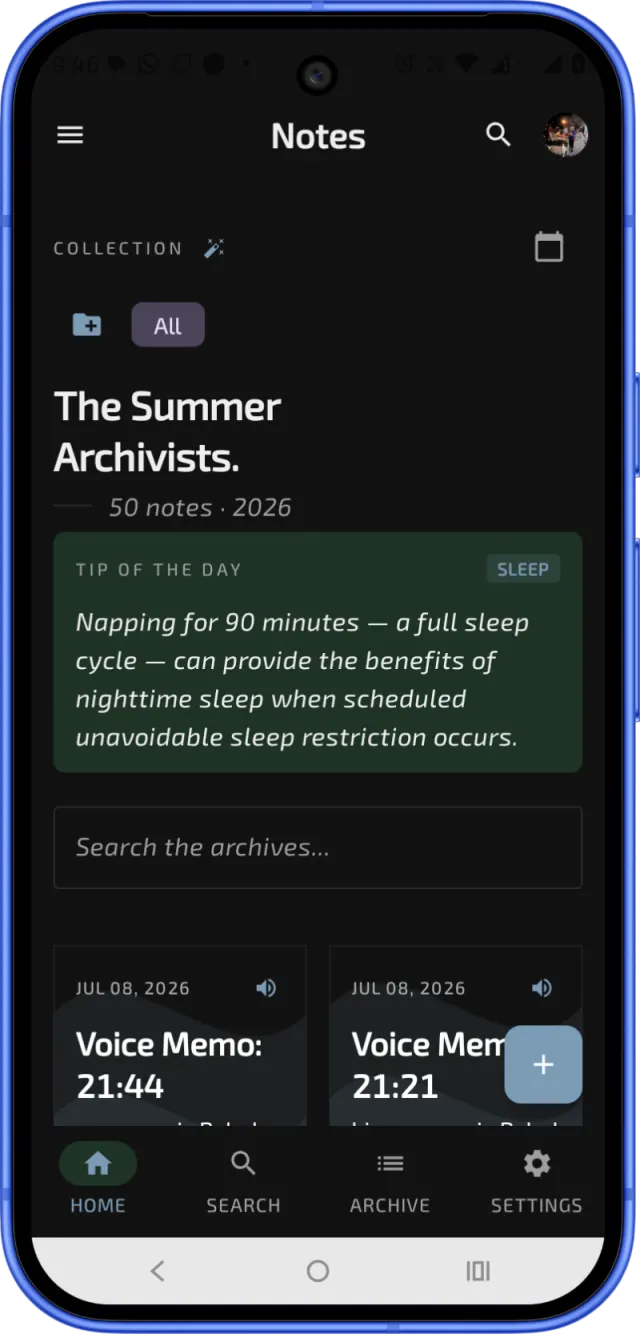
From Home
- Tap the round + button.
- Tap Recording.
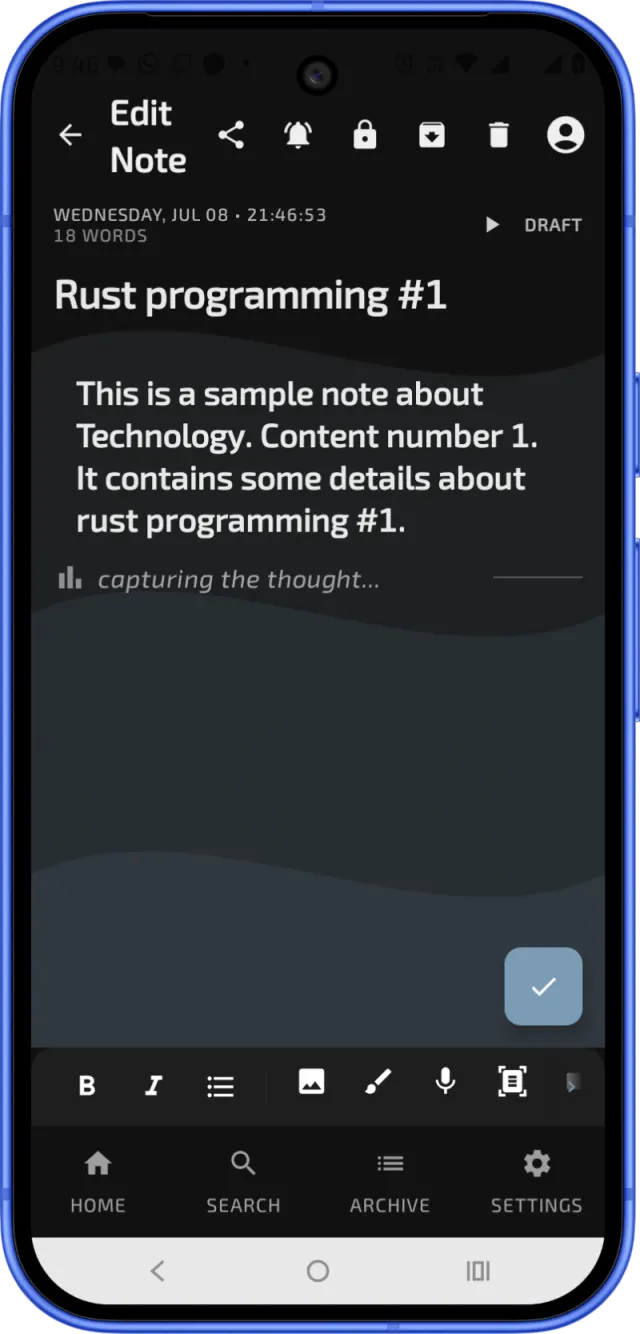
From inside a note
- Open or create a note.
- Tap Record in the toolbar above the bottom tabs. Swipe the toolbar left if you do not see it.
Record
- If Android asks to let Notes use the microphone, allow it. Notes needs it to hear you.
- Speak naturally. A live waveform shows that Notes is listening.
- When you are finished, stop the recording and tap Save.
A saved voice note shows on Home with a Play Note button, so you can listen back without opening it.
Change how the waveform looks
Open Settings and scroll to Recording Waveform. You can pick Flowing Wave, Equalizer Bars or Pulse Dots.
Tips
- Speak in short sentences. They are easier to read back later.
- You do not need to switch languages in a setting. Say it the way you would say it out loud.